CREATE A NEW PUNCHOUT REQUISITION
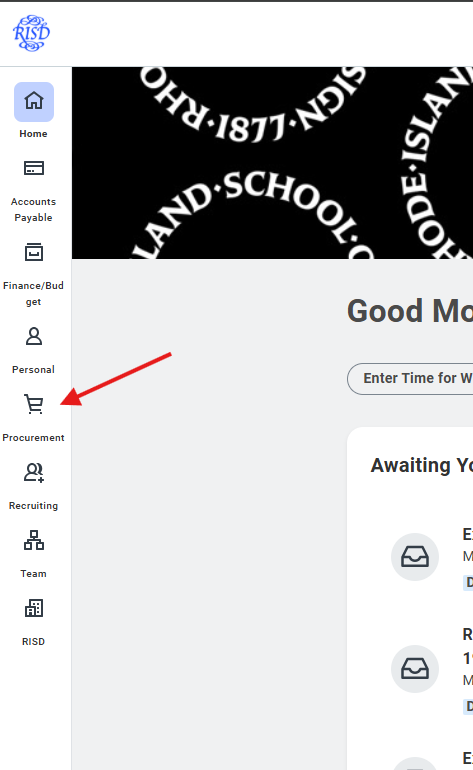
1) Click on the "Procurement" Worklet
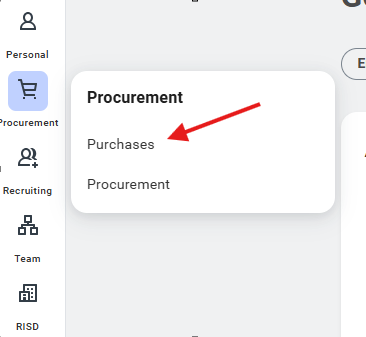
2) Choose "Purchases" in the sub menu
3) Choose "Connect to Supplier Website"
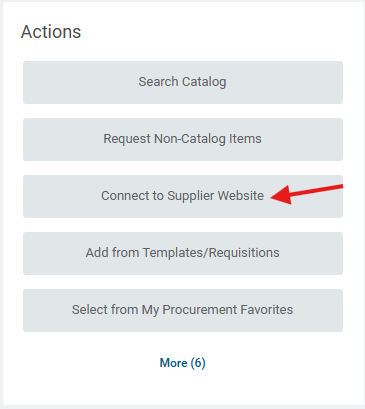
4) Click "Connect on the supplier website from the listing.
5) Shop on the Website as needed. Submit your order to Workday. The screen will return to Workday.
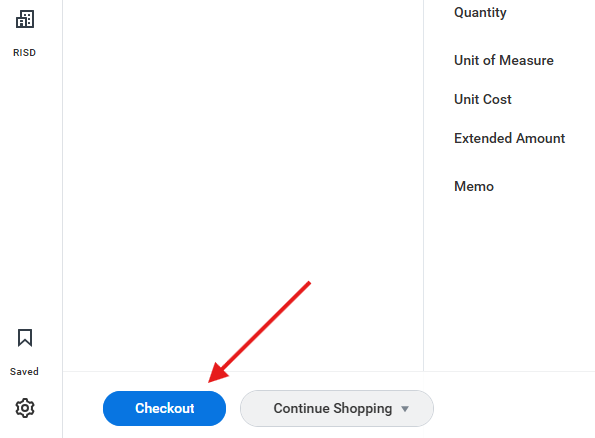
6) Click "Checkout" at the bottom of the screen.
7) Expand the "Requisition Information" section and verify your accounting string. Workday will default to your dedicated cost center.
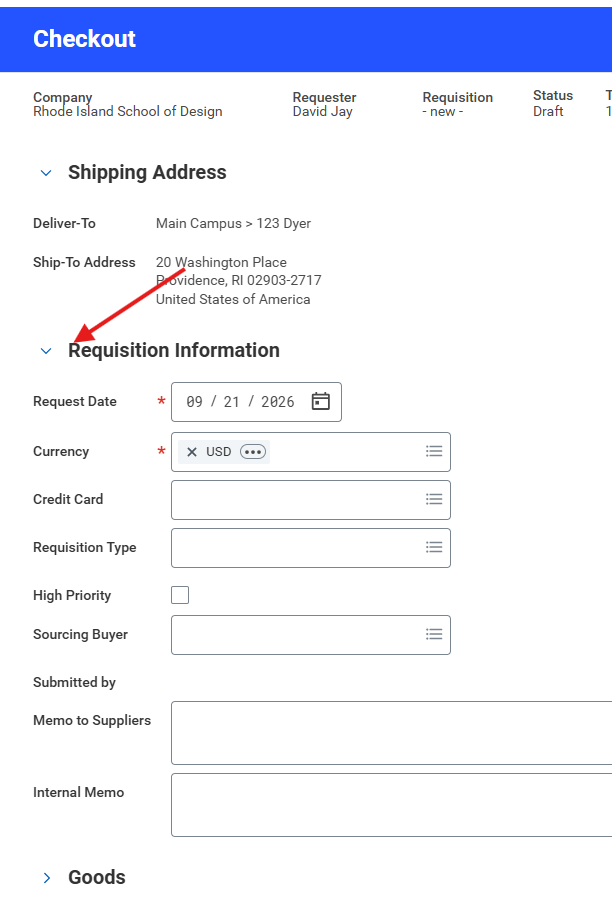
8) Once you verify your accounting string, click submit:
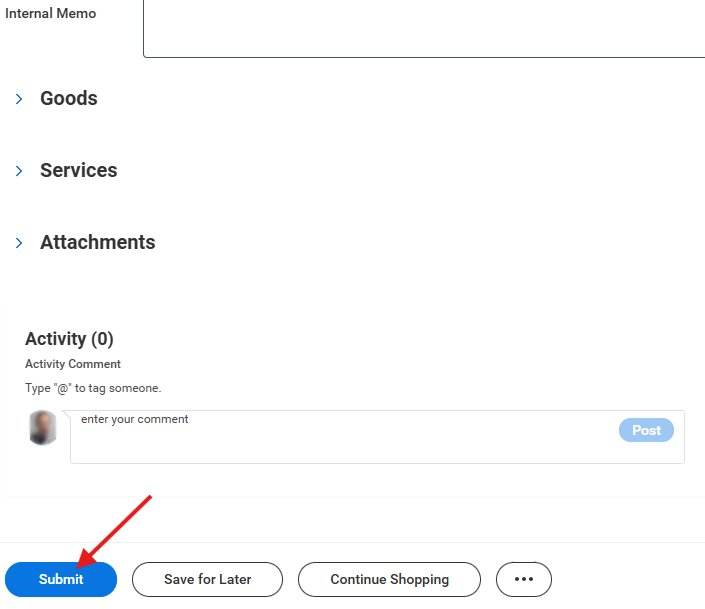
9) Your Punchout requistion is complete and will no go through any approval process if needed.
Was this article helpful?
That’s Great!
Thank you for your feedback
Sorry! We couldn't be helpful
Thank you for your feedback
Feedback sent
We appreciate your effort and will try to fix the article