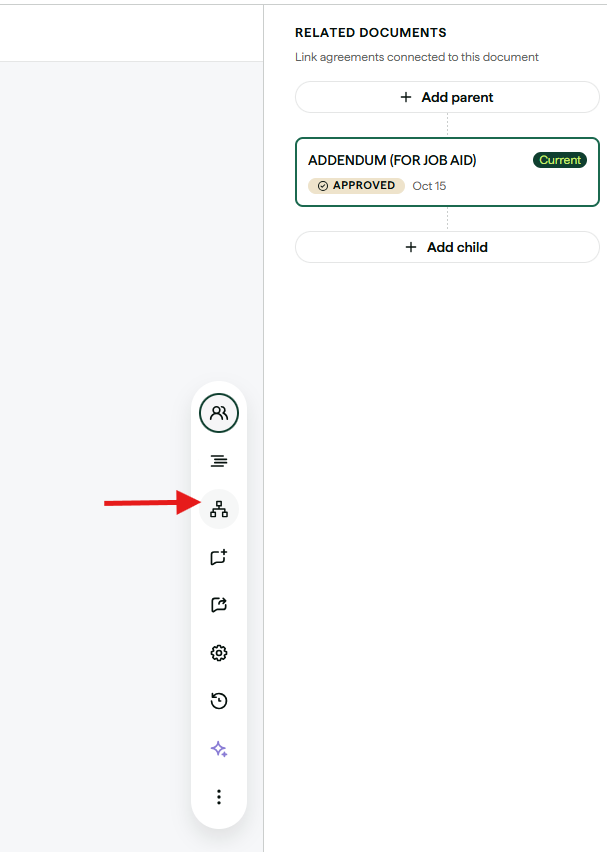
1) When creating an amendment, click the "RELATED DOCUMENTS" icon on the toolbar.
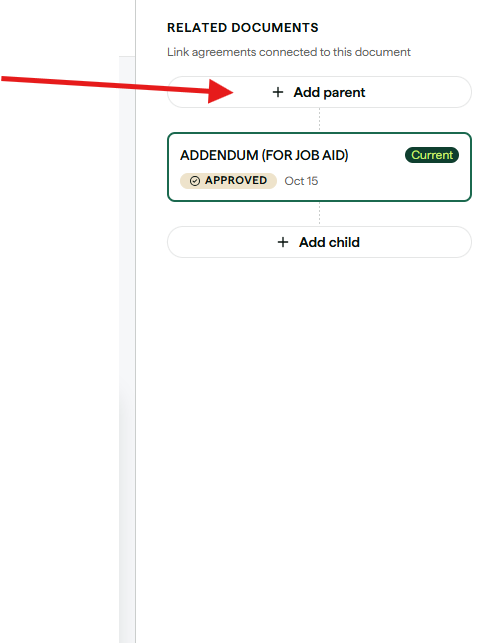
2) Select "Add Parent"
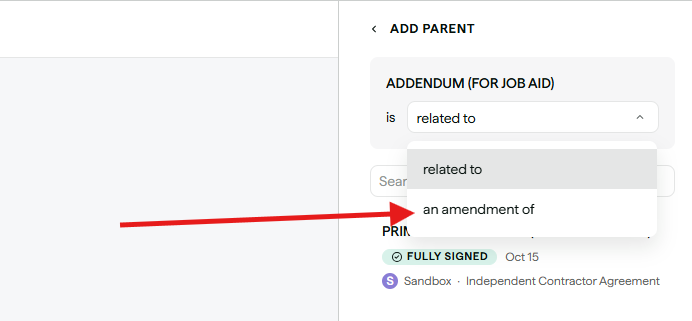
3) Select "an amendment of" in the dropdown menu.
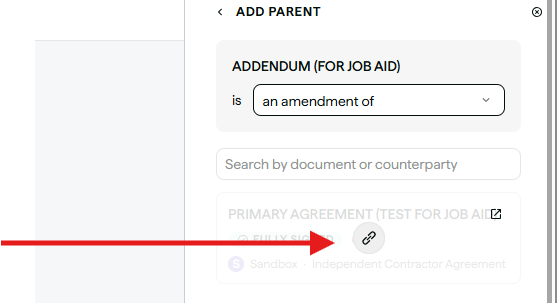
4) Find and select your parent contract by searching or scrolling down the available list. Then select the link button.
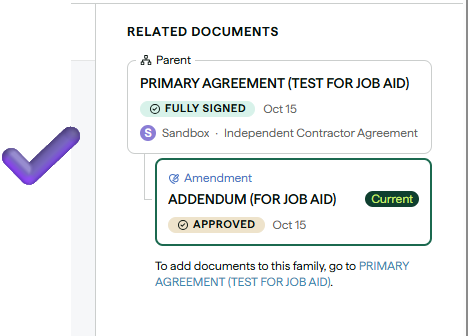
5) Done! The contract is now connected and it should look like this:
Was this article helpful?
That’s Great!
Thank you for your feedback
Sorry! We couldn't be helpful
Thank you for your feedback
Feedback sent
We appreciate your effort and will try to fix the article